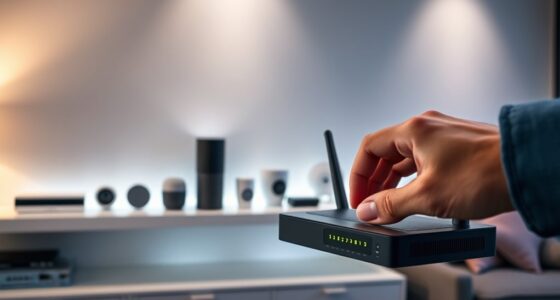

To build better device separation at home, start by creating separate network segments or subnets for different device types, such as IoT gadgets and computers. Use strong, unique passwords and security protocols for each network. Enable a guest network for visitors and less-trusted devices, ensuring they can’t access your main devices. Regularly update your router firmware, disable unnecessary services, and monitor connected devices to spot issues early. Keep these steps in mind, and you’ll enhance your network’s security and performance—more details await you.

Get privacy and security gear delivered free with Prime
- Fast, free delivery on millions of items
- Prime Video, Amazon Music and more included
- Member-only deals all year
Key Takeaways
- Create separate Wi-Fi networks or subnets for different device groups, such as IoT, computers, and guests.
- Use strong, unique passwords and security protocols for each network segment.
- Regularly update router firmware and disable unnecessary services to reduce vulnerabilities.
- Monitor connected devices continuously to detect suspicious activity and unauthorized access.
- Implement network management tools for visualization, control, and enforcing device separation policies.
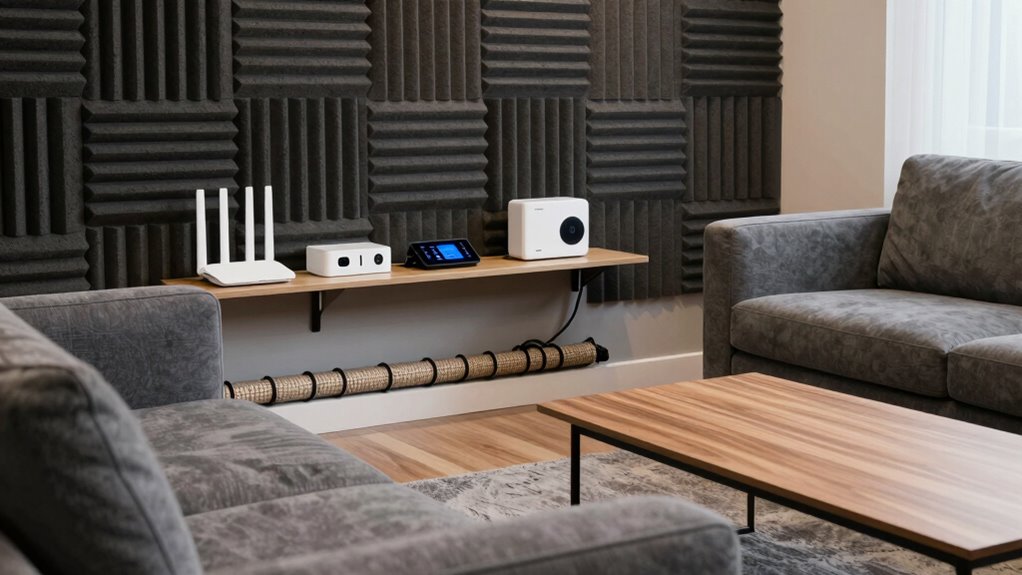
Have you ever felt overwhelmed by the constant influx of notifications and distractions from your devices? It’s easy to get caught in a web of interruptions that make it hard to focus or feel secure. One effective way to regain control is by building better device separation at home. This involves organizing your network so that different devices have their own spaces, minimizing risks, and improving overall performance.
Start with network segmentation. Instead of letting all your devices connect to a single, sprawling network, create separate segments or subnets within your home network. This way, you can isolate sensitive devices like your computers or smart home hubs from less secure gadgets like smart thermostats or IoT devices. When you segment your network, even if one device gets compromised, it won’t necessarily put everything else at risk. It’s like having different rooms in your house so that a fire in the kitchen doesn’t spread to the living room. Network segmentation enhances security, improves performance, and allows you to prioritize bandwidth for critical devices. Additionally, network segmentation can help you better identify and troubleshoot issues, making your overall network more resilient. Implementing secure network practices further protects your devices from cyber threats. Regularly assessing your network’s vulnerabilities helps ensure your setup remains robust against evolving threats.
Create separate network segments to protect sensitive devices and improve overall security and performance.
Another essential step is setting up a guest network. Many routers support this feature, enabling you to create a dedicated Wi-Fi network solely for visitors or less-trusted devices. When you establish a guest network, your guests can access the internet without gaining access to your main devices or personal data. This protects your sensitive information and prevents potential malware from spreading. It also keeps your main network cleaner and more manageable because you don’t have to worry about guest devices hogging bandwidth or causing conflicts. Always make certain that your guest network has a strong password and is separated from your primary network to maximize security.
In addition to setting up network segmentation and a guest network, think about assigning different passwords and security protocols for each network segment. This can further improve your digital security by reducing the risk of widespread breaches. Regularly update your router’s firmware, disable unnecessary services, and monitor connected devices to keep your network secure. You might also want to contemplate using network management tools or apps that help you visualize and control device connections. Incorporating digital security best practices can further strengthen your network’s defenses against cyber threats.
home network segmentation router
As an affiliate, we earn on qualifying purchases.
As an affiliate, we earn on qualifying purchases.
Frequently Asked Questions
Can Device Separation Improve Overall Home Wi-Fi Performance?
Yes, device separation can improve your home Wi-Fi performance. Using a guest network isolates your main devices, reducing network congestion, while device prioritization ensures critical devices get faster speeds. By creating a dedicated guest network and assigning priority to essential gadgets, you minimize interference and bandwidth sharing, resulting in a smoother, more reliable Wi-Fi experience for everyone. This strategy keeps your main network streamlined and efficient.
What Are the Best Tools for Monitoring Device Usage?
You should consider tools like network segmentation and parental controls to monitor device usage effectively. Network segmentation divides your network into separate zones, making it easier to track and control each device. Parental controls help you set limits and monitor activity, especially for kids’ devices. Both tools give you real-time insights into device activity, ensuring you can identify bandwidth hogs and prevent unauthorized access, ultimately improving your home Wi-Fi management.
How Often Should I Update My Network Security Settings?
You should update your network security settings regularly, ideally every few months. Always keep your firmware updated to patch vulnerabilities, and enhance your security by using complex passwords. Regular updates guarantee your devices stay protected against new threats. Don’t forget to review your security measures periodically, especially if you notice suspicious activity or after major network changes. Staying proactive helps keep your home network safe and secure.
Is It Necessary to Separate Devices on Different Network Bands?
Yes, separating devices on different network bands enhances security through device isolation and band segregation. By assigning smart home devices to a separate band from your computers and phones, you reduce the risk of malware spreading. This setup limits access, making it harder for threats to move between devices. Implementing band segregation guarantees your critical devices stay protected, providing a safer, more organized home network environment.
Can Device Separation Help Prevent Network Hacking?
Did you know that over 60% of IoT devices lack proper security? Device separation can substantially help prevent network hacking by isolating your main devices from guest networks and IoT gadgets. Using separate networks enhances IoT security, making it harder for hackers to access sensitive data. Creating distinct guest networks limits potential breaches, ensuring your primary devices stay protected even if less secure IoT devices are compromised.
As an affiliate, we earn on qualifying purchases.
Conclusion
By implementing these device separation tips, you’ll create a more organized and focused home environment. It might seem like a hassle at first, but the long-term benefits—less clutter, improved productivity, and a healthier tech balance—are worth the effort. Remember, even small steps make a difference. If you’re worried about the initial setup, start simple; you’ll find that maintaining these boundaries becomes second nature, ultimately enhancing your overall home experience.
wireless router with multiple SSIDs
As an affiliate, we earn on qualifying purchases.
As an affiliate, we earn on qualifying purchases.
network security monitoring tools
As an affiliate, we earn on qualifying purchases.
As an affiliate, we earn on qualifying purchases.
Halloween Picks
halloween
As an affiliate, we earn on qualifying purchases.