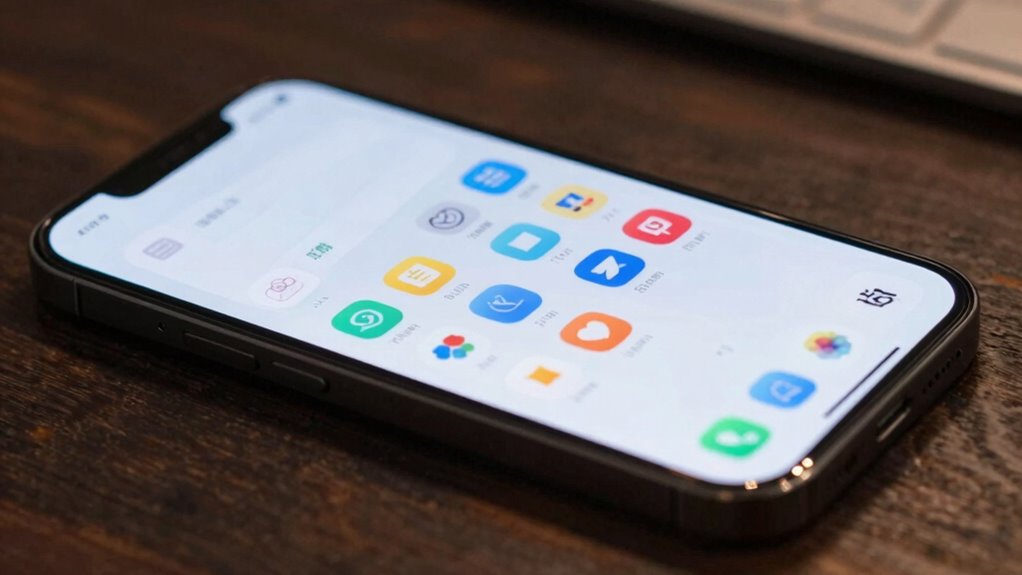
To cut alert fatigue, turn on notification grouping on your device, which organizes similar alerts into one manageable stack, reducing interruptions. Customize the settings to prioritize essential alerts and batch social media updates for specific times. Use automatic grouping features and adjust preferences to match your routines, helping you stay focused and calm. By refining these settings, you’ll regain control over your notifications—more tips ahead to optimize your digital balance.

Get privacy and security gear delivered free with Prime
- Fast, free delivery on millions of items
- Prime Video, Amazon Music and more included
- Member-only deals all year
Key Takeaways
- Enable automatic notification grouping in device settings to consolidate similar alerts and reduce clutter.
- Customize notification categories to prioritize important alerts and batch less urgent updates.
- Schedule social media and non-urgent notifications for specific times to minimize constant interruptions.
- Regularly adjust grouping preferences based on your routines to maintain a balanced notification flow.
- Use device management tools to fine-tune alert settings, promoting mindful and less disruptive device usage.
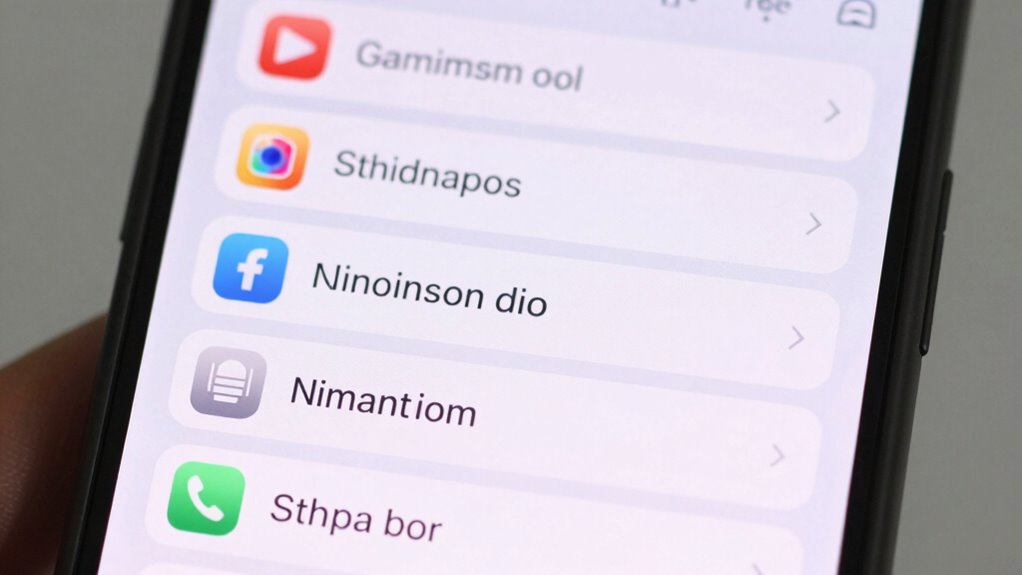
Have you ever been overwhelmed by a flood of notifications on your phone? It’s a common experience in today’s digital world, where constant alerts can drown out focus and increase stress. The good news is, you can tame this chaos using a simple yet powerful trick: notification grouping. This technique involves organizing notifications into logical clusters, so you’re not bombarded with every alert individually. By applying effective customization strategies, you regain control over your digital environment, aligning notifications with your user behavior and priorities.
Notification grouping works by consolidating similar alerts into single, manageable streams. For example, all your messaging app notifications can be grouped together, while social media updates form another group. This way, you see a summarized alert instead of multiple separate ones, reducing interruptions and cognitive load. To set this up, you need to explore your device’s notification settings and enable grouping options. Many operating systems, like Android and iOS, offer built-in features that automatically group notifications or allow you to customize how they appear. Tailoring these settings to your habits guarantees that you only see the alerts that truly matter, preventing minor updates from disturbing your focus.
Your user behavior plays an essential role in making notification grouping effective. Think about when and how you prefer to receive information. Do you want quick updates on work emails, or do you prefer to check social media only during specific times? By understanding your habits, you can fine-tune notification settings to match your routines. For instance, you might set work-related alerts to appear immediately, while social media notifications get grouped and delivered in batches at designated times. This customization strategy minimizes unnecessary distractions, helping you stay present and productive. Developing a digital mindfulness approach can also enhance your overall experience.
Implementing notification grouping also encourages a more mindful approach to digital consumption. Instead of reacting to every ping, you become intentional about how and when you respond. Over time, this reduces alert fatigue—where constant notifications wear you down—and restores a sense of calm. It’s about creating a balance that respects your attention and enhances your user experience. Understanding device notification management can further optimize your setup. The key is to experiment with different settings, observe how they influence your behavior, and adjust accordingly. With this approach, you’ll find that managing notifications becomes less of a chore and more a tool for maintaining focus and well-being.
Ultimately, the notification grouping trick isn’t just about decluttering your device; it’s about reclaiming your time and mental clarity. By leveraging customization strategies aligned with your user behavior, you take control over the digital noise that surrounds you. This simple adjustment can make a significant difference in reducing alert fatigue, making your interactions with technology more intentional and less overwhelming.
As an affiliate, we earn on qualifying purchases.
Frequently Asked Questions
Does Notification Grouping Affect App Responsiveness?
Notification grouping generally doesn’t negatively affect app responsiveness if you use it properly. It allows you to customize notifications, reducing clutter and alert fatigue. However, poorly implemented grouping can cause slight delays in notification updates, impacting app performance. When you optimize notification settings, you maintain smooth app responsiveness while managing alerts efficiently. So, with correct customization, notification grouping enhances your experience without sacrificing app performance.
Can I Customize Which Notifications Get Grouped?
Yes, you can customize which notifications get grouped by adjusting your grouping preferences. When you explore notification customization options on your device, you’ll find settings to specify apps or types of alerts to be grouped or kept separate. This way, you control your alert flow, reducing clutter and focusing on what’s important. By fine-tuning your grouping preferences, you tailor your experience, making notifications work better for you.
Is Notification Grouping Available on All Devices?
Notification grouping isn’t available on all devices; it depends on your operating system and its version. Some devices offer notification customization with grouping flexibility, allowing you to tailor how alerts appear and are organized. On Android, newer versions typically support this feature, while iOS offers different options. Check your device settings to see if notification grouping is available, and adjust your preferences for a more streamlined alert experience.
How Does Grouping Impact Battery Life?
Think notification grouping is a battery drain? Think again! By intelligently bundling alerts, you actually boost battery optimization and reduce unnecessary power consumption. Fewer wake-ups mean your device doesn’t waste energy constantly pinging for individual notifications. So, embrace this trick; it’s like a spa day for your battery, calming power-hungry alerts and keeping your device running longer without sacrificing the info you need.
Can I Temporarily Disable Notification Grouping?
Yes, you can temporarily disable notification grouping by adjusting your notification customization settings. Simply access your device’s notification settings, locate the grouping toggles, and turn them off. This allows you to see individual notifications clearly without grouping, helping you manage alerts more precisely. Remember, you can re-enable grouping later for streamlined alerts. This quick adjustment offers flexibility in how you receive and handle notifications.
Android notification management tools
As an affiliate, we earn on qualifying purchases.
As an affiliate, we earn on qualifying purchases.
Conclusion
By mastering the notification grouping trick, you reclaim control over your alerts, turning chaos into calm. Instead of drowning in endless pings, you find clarity and focus, like a lighthouse guiding ships through stormy seas. It’s a simple change, yet it can transform your day from overwhelming to manageable. In a world flooded with notifications, this small act becomes your anchor—your quiet refuge amid the storm of constant distraction.
As an affiliate, we earn on qualifying purchases.
As an affiliate, we earn on qualifying purchases.
Columbus Day / Indigenous Peoples' Day Picks
long weekend sales
As an affiliate, we earn on qualifying purchases.