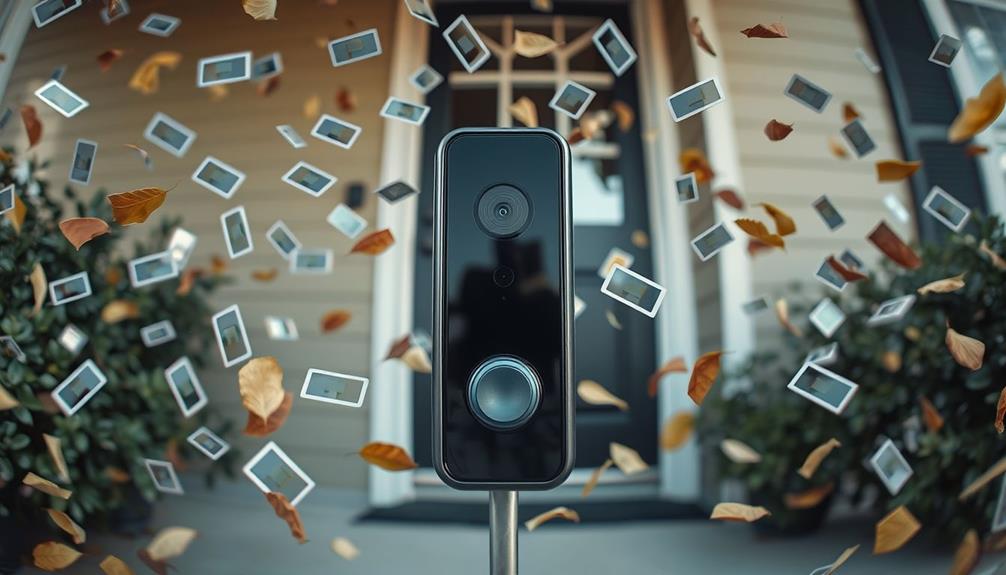

Many people forget to optimize their device placement, which can cause blind spots or poor video quality. It’s also common to skip customizing security settings like motion zones and alert sensitivities, leading to false alarms or missed activity. Regularly checking for firmware updates and maintaining the device are often overlooked but essential for security and performance. If you want to make sure your system works at its best, there’s more to consider that can help you stay ahead.
Listen free for 30 days with Audible
Thousands of audiobooks and originals — cancel anytime.
As an affiliate, we earn on qualifying purchases.
Key Takeaways
- Regularly check and update firmware to ensure security and access to new features.
- Confirm optimal device placement and adjust angles for the best view and coverage.
- Customize motion zones and alert sensitivity to reduce false notifications.
- Review and manage privacy settings and permissions frequently.
- Conduct periodic tests of device functions and review footage for maintenance.
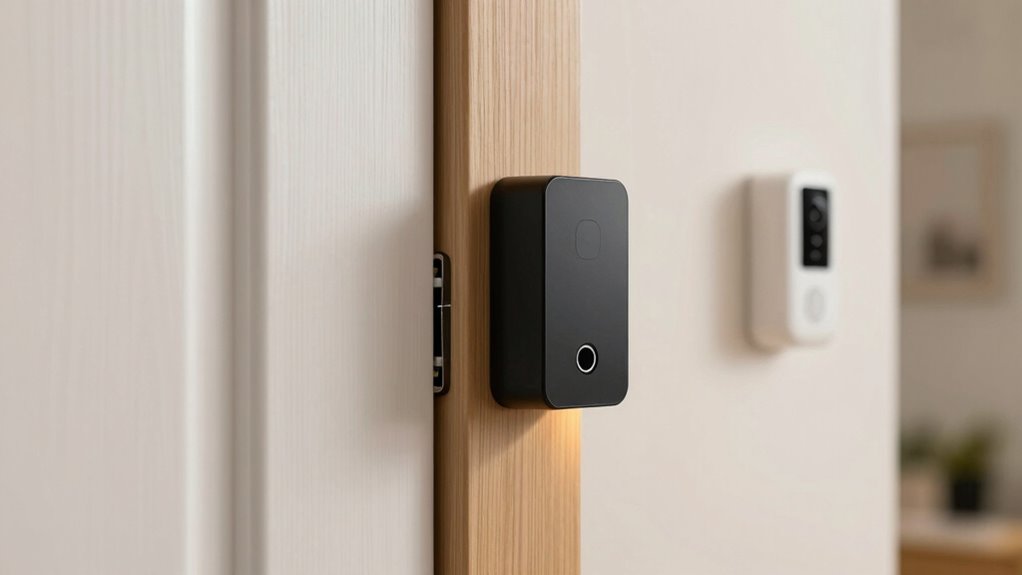
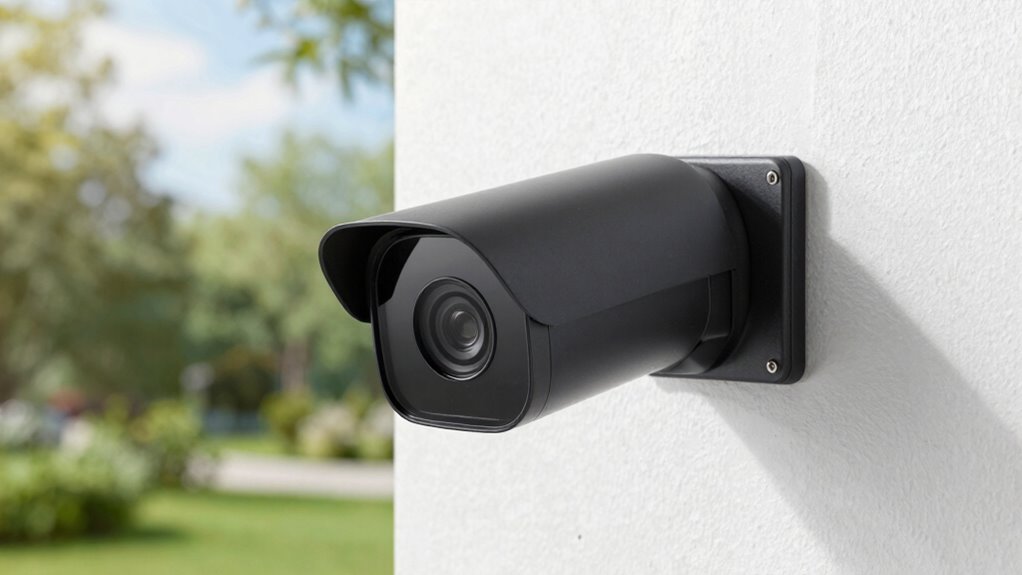
Are you ready to upgrade your home security with a new Ring device? After the initial installation, many people focus on setting up their device and testing its basic functions, but they often overlook a few key steps that are vital to maximizing its effectiveness. One common mistake is neglecting to review and optimize the device placement. Even the most advanced security features won’t work well if your device isn’t positioned correctly. You need to confirm it’s mounted at an angle that captures the right view, isn’t obstructed by trees, walls, or other objects, and covers the most vulnerable entry points. Proper device placement not only improves video quality but also reduces blind spots, allowing you to see clearly who’s at your door or lurking nearby.
Another thing people forget is to customize their security settings after installing the device. Ring devices come with a variety of security features, like motion zones and alerts, but these need to be tailored to your specific home environment. Without adjusting motion zones, you might get constant alerts from passing cars or neighbors’ activities, leading to alert fatigue. Conversely, if you disable certain features or don’t set up alerts properly, you might miss important activity altogether. Take the time to explore these options and fine-tune your settings so your device only alerts you about what truly matters. This way, you get timely notifications without unnecessary disruptions. Ensuring your security features are properly configured helps optimize your device’s performance and your overall safety.
Customize your Ring security settings to reduce false alerts and stay informed about what truly matters.
Many users also forget to update the device firmware or the associated app. Firmware updates often include security patches, new features, and performance improvements. Skipping these updates can leave your device vulnerable to cyber threats or cause compatibility issues. Regularly checking for updates and installing them guarantees your device remains secure and functions smoothly. Additionally, you should review your privacy settings, such as camera and microphone permissions, to make sure your data remains protected. Staying informed about software updates is crucial because manufacturers often release patches that address known vulnerabilities. It’s easy to overlook these details after setup, but they’re essential in safeguarding your home and personal information. Implementing regular maintenance and staying informed about software updates are vital for maintaining security and performance. Staying proactive with these updates can also prevent cybersecurity risks that might compromise your data.
Finally, people often overlook the importance of testing their device periodically. Just because it works during setup doesn’t mean it will continue to perform well over time. Regularly checking the device’s video feed, reviewing saved footage, and testing alerts help you catch potential issues early. This ongoing maintenance guarantees your security system remains reliable and effective. By paying attention to these often-forgotten steps—device placement, customized security features, updates, privacy settings, and ongoing testing—you’ll get the most out of your Ring device and truly enhance your home’s safety.
As an affiliate, we earn on qualifying purchases.
Frequently Asked Questions
How Do I Update the Ring Device Firmware Manually?
To update your Ring device firmware manually, open the Ring app and go to the device’s settings. Check for firmware updates under device health or device info, then tap “Update Firmware” if available. Make sure your device is compatible with the latest firmware, as some updates might require specific app versions. Regularly checking for firmware updates keeps your device secure and functioning at its best, preventing compatibility issues.
Can I Connect Multiple Ring Devices to a Single App?
Connecting multiple Ring devices to a single app is like orchestrating a symphony; it’s possible but requires careful setup. You need to guarantee proper device placement and compatibility issues are addressed. Most Ring devices are compatible with one app, but some models may have limitations. Always double-check your device specifications and app updates to avoid connectivity problems. Properly managing your devices makes monitoring seamless and stress-free.
What Should I Do if the Device’s Motion Detection Isn’T Working?
If your Ring device’s motion detection isn’t working, start by checking device calibration and adjust the motion sensitivity settings in the app. Make sure the camera is positioned correctly, with a clear view of the area. Test the detection after making adjustments, and consider resetting the device if issues persist. Regularly updating the Ring app also ensures your device functions effectively with the latest features.
How Do I Change the Wi-Fi Network on My Ring Device?
Changing your Ring device’s Wi-Fi network is like re-routing a busy highway—smooth and essential. First, open the Ring app and select your device. Tap “Device Settings,” then “Change Wi-Fi Network.” Follow prompts to connect to your new network. Remember, good device placement guarantees a strong signal, and check privacy settings afterward to keep your footage secure. This quick update keeps your device functioning seamlessly.
Is There a Way to Extend the Device’s Battery Life?
Yes, you can extend your Ring device’s battery life with some battery optimization and power saving tips. Enable motion detection zones to reduce unnecessary recordings, and turn off live view when not needed. Adjust the device’s motion sensitivity and schedule active hours to conserve energy. Regularly check for firmware updates, as they often include power management improvements. These steps help maximize your Ring device’s battery life efficiently.
Ring security camera privacy cover
As an affiliate, we earn on qualifying purchases.
As an affiliate, we earn on qualifying purchases.
Conclusion
After installing your new Ring device, don’t forget to test it, update your settings, and familiarize yourself with its features. Regularly check for firmware updates, review your privacy settings, and position your device thoughtfully. These steps guarantee your security, maximize your device’s potential, and give you peace of mind. Stay proactive, stay informed, and stay connected—because a well-maintained device is a well-protected home. Keep these habits in mind, and your Ring will serve you better every day.
As an affiliate, we earn on qualifying purchases.
home security camera motion zone settings
As an affiliate, we earn on qualifying purchases.
As an affiliate, we earn on qualifying purchases.
NFL season / tailgating Picks
team gear
As an affiliate, we earn on qualifying purchases.