Before handing over smart lock access, review and update your security protocols, ensuring your app is current. Set up a dedicated user profile for the cleaner and avoid sharing personal login info. Verify that all locks, sensors, and cameras work correctly, and enable alerts for activity. Clearly communicate instructions and restrictions. Schedule a quick walkthrough to confirm everything’s functioning. Keep security features in mind and stay informed about updates—there’s more to contemplate for a smooth, secure process.
Key Takeaways
- Ensure the smart lock app is updated and functioning correctly.
- Create a separate user profile with restricted, temporary, or scheduled access.
- Verify all security features, including sensors and cameras, are operational.
- Clearly communicate access instructions and security protocols to the cleaner.
- Conduct a final walkthrough to confirm understanding and system readiness.
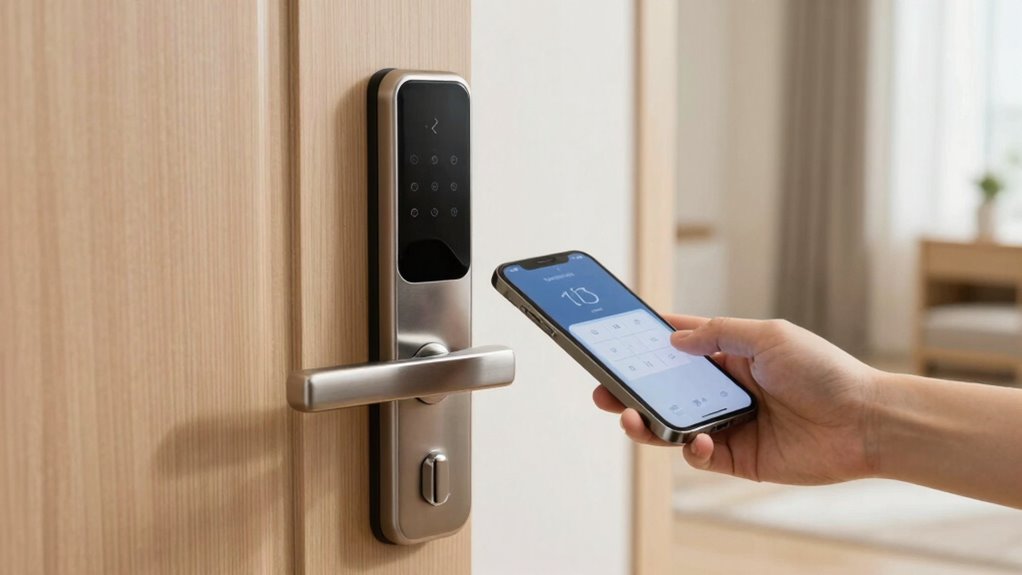
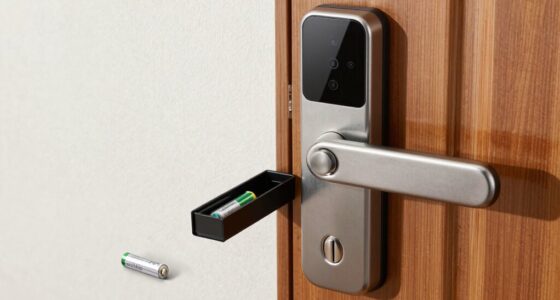
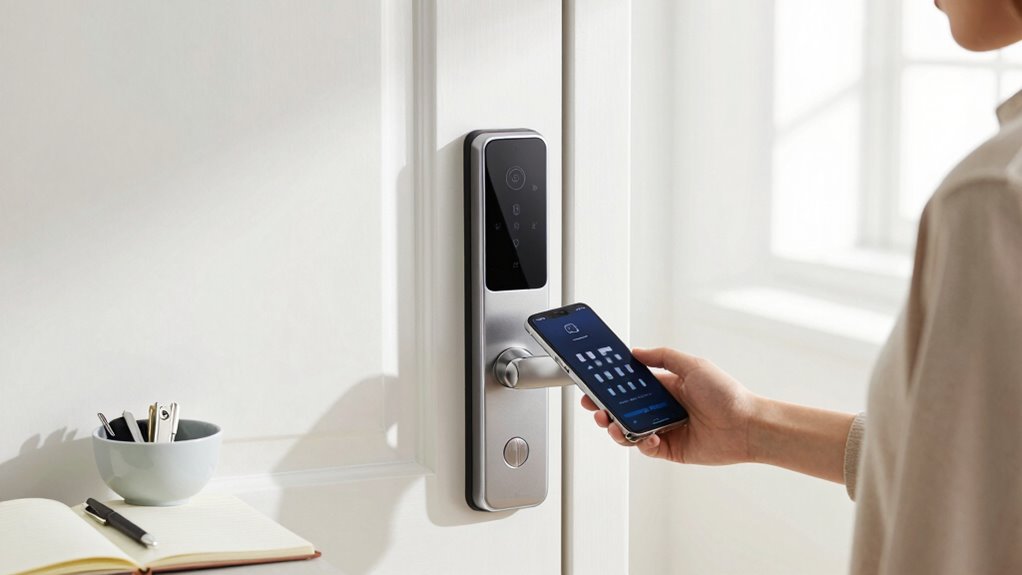
Handing over smart lock access to a cleaner can streamline your routines, but it’s important to take a few key steps first to guarantee your security. Before sharing access, review your security protocols thoroughly. This means making sure your smart lock app is up to date and that you understand how to revoke or modify access if needed. Many smart locks allow you to set temporary or scheduled access, so take advantage of these features to control when and for how long your cleaner can enter. Access scheduling is crucial because it minimizes risks—only granting entry during predetermined times keeps your home safer and reduces the chance of unauthorized use.
Next, consider creating a separate user profile for your cleaner. Many smart lock systems enable multiple user codes or digital keys, so set up a distinct one for your cleaner rather than sharing your personal login credentials. This way, you can easily disable or delete their access once their tasks are complete without affecting your own security settings. Also, it’s wise to inform your cleaner about your expectations regarding security—such as not sharing access with others or leaving doors unlocked when not scheduled to be open. Clear communication helps ensure they understand the importance of respecting your security protocols.
Create a separate user profile for your cleaner to easily manage and revoke access without risking your security.
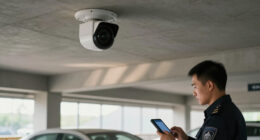
Before handing over access, conduct a quick security check of your home. Make sure all locks, sensors, and cameras are functioning correctly. Confirm that your smart lock’s app is connected and that you can remotely monitor access activity. This way, you can verify when your cleaner enters and exits, giving you peace of mind. If your system offers real-time alerts, enable them to stay informed about any activity related to your lock. Additionally, understanding the security features of your smart lock system can help you better manage and secure your home. It’s also beneficial to stay informed about the latest security updates to ensure your system remains protected against emerging threats. Regularly reviewing your security protocols can help identify potential vulnerabilities before they are exploited. Incorporating cybersecurity best practices into your home security measures can further enhance your overall protection. It’s also important to familiarize yourself with the user manual to optimize the use of your smart lock’s features and settings.
Lastly, schedule a brief walkthrough with your cleaner to demonstrate how to operate the smart lock properly if needed. Clarify any restrictions or special instructions, such as locking up after themselves or not using certain features. This step not only enforces your security protocols but also helps avoid misunderstandings or accidental lockouts. By taking these precautions—reviewing security protocols, utilizing access scheduling, setting up separate profiles, and verifying your system—you establish a secure, flexible process for sharing smart lock access. These measures protect your home while allowing your cleaner to do their job efficiently, giving you peace of mind and saving you time in the long run.

Veise VE017 Fingerprint Smart Door Lock, App Control, 8-in-1 Keyless Entry, Auto Lock, Emergency Power Port, Electronic Touchscreen Keypad, Biometric Smart Locks for Front Door, Matte Black
Smart User Management: Our smart user management system empowers you to take full, remote control of your property…
As an affiliate, we earn on qualifying purchases.
As an affiliate, we earn on qualifying purchases.
Frequently Asked Questions
Can I Revoke Access Remotely if Needed?
Yes, you can revoke access remotely if needed. Most smart locks allow you to give temporary access and monitor access history, so you can easily control who enters and when. If you decide to revoke a cleaner’s access, simply log into the app or platform, disable or delete the temporary permission, and verify your access history shows the change. This way, you maintain control over your property at all times.
What Security Features Should I Look for in a Smart Lock?
Think of your smart lock as a guardian with a heartbeat—its security features are essential. Look for features like encrypted communication during smart lock installation, which acts like a fortress around your home. Battery management is critical, ensuring your lock stays vigilant without sudden failures. Choose a lock with remote access revocation, tamper alerts, and multi-factor authentication. These protections keep your home safe, allowing you peace of mind even when sharing access.
How Do I Track Who Uses the Lock and When?
You can track who uses the lock and when by checking the access logs in your smart lock app. These logs record each entry and exit, helping you monitor user activity. Prioritize user privacy by choosing locks that store logs securely and allow you to delete data if needed. Regularly review access logs to guarantee only authorized users are entering your space, giving you peace of mind and control.
Is It Safe to Share Access Codes or Keys Digitally?
Sharing access codes or keys digitally is like handing over a fragile glass ornament—you must guarantee digital security and privacy concerns are addressed. It can be safe if you use encrypted messaging or secure apps, but beware of potential hacking risks. Always change codes after a cleaner’s task, and avoid sharing via unprotected channels. Protecting your digital privacy keeps your home secure and preserves trust.
What Should I Do if the Smart Lock Malfunctions?
If your smart lock malfunctions, start with troubleshooting the issue by checking the battery level and ensuring the lock isn’t jammed. If that doesn’t work, follow the lock reset procedures found in your device’s manual or app instructions. Resetting often restores functionality. If problems persist, contact customer support or a professional locksmith. Regular maintenance and firmware updates can prevent future malfunctions and keep your lock functioning smoothly.

Philips Wi-Fi Door Lock, WiFi Smart Lock Keyless Entry Deadbolt for Front Door, Compatible with Alexa & Google Assistant, Remote Control, Built-in WiFi, APP Fingerprint Passcode Unlock, Auto Locking
𝐅𝐥𝐞𝐱𝐢𝐛𝐥𝐞 𝐖𝐚𝐲𝐬 𝐭𝐨 𝐔𝐧𝐥𝐨𝐜𝐤: Unlock the way you want: app, passcode, fingerprint, physical key, or voice via Alexa/Google…
As an affiliate, we earn on qualifying purchases.
As an affiliate, we earn on qualifying purchases.
Conclusion
Think of handing over smart lock access like passing the torch in a relay race—you want to guarantee it’s done smoothly and securely. Double-check your settings, set clear instructions, and confirm trustworthiness before sharing access. By doing so, you’re not just opening a door—you’re passing on the key to peace of mind. When you’re confident in your preparations, you create a safety net that catches any potential missteps, allowing trust to flourish like a well-tended garden.

myQ Secure View™ 3-in-1 Smart Lock with 2K HDR Video Doorbell Camera, Face Access, Fingerprint Access, PIN & App Control — Intelligent Entry with Built-in Camera, Color Night Vision & Two-Way Audio
3-in-1 Design: Smart deadbolt lock, video doorbell, and 2K HDR camera in one device. Lock/unlock remotely, see visitors,…
As an affiliate, we earn on qualifying purchases.
As an affiliate, we earn on qualifying purchases.
Philips Wi-Fi Door Lock, WiFi Smart Lock Keyless Entry Deadbolt for Front Door, Compatible with Alexa & Google Assistant, Remote Control, Built-in WiFi, APP Fingerprint Passcode Unlock, Auto Locking
𝐅𝐥𝐞𝐱𝐢𝐛𝐥𝐞 𝐖𝐚𝐲𝐬 𝐭𝐨 𝐔𝐧𝐥𝐨𝐜𝐤: Unlock the way you want: app, passcode, fingerprint, physical key, or voice via Alexa/Google…
As an affiliate, we earn on qualifying purchases.
As an affiliate, we earn on qualifying purchases.