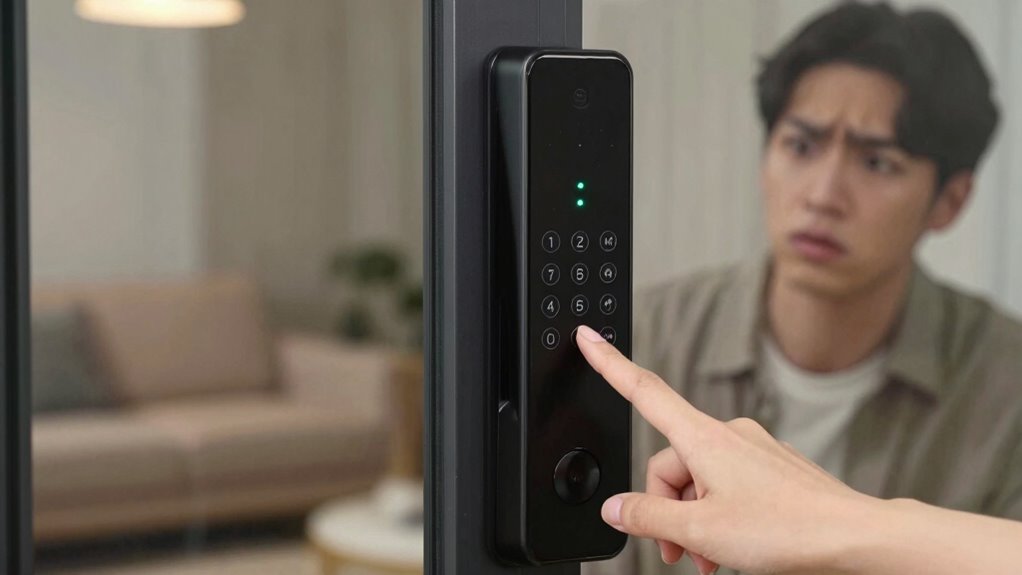
Many people misconfigure their smart lock’s auto-lock feature, risking both security and privacy. Setting it too quickly can lock you out if you forget your code, while locking too slowly exposes your home to potential intruders. Improper use may also share sensitive data or reveal when you’re home. To avoid these issues, it’s essential to understand how to properly set up and maintain your lock. Keep going to discover tips that help you stay safe.
Key Takeaways
- Many users set auto-lock to activate too quickly, causing frequent lockouts and access issues.
- Overlooking firmware updates can leave auto-lock vulnerabilities unpatched, increasing security risks.
- Misconfigured auto-lock timing can create security gaps, either locking too soon or remaining unlocked too long.
- Relying solely on auto-lock without additional security measures weakens overall home protection.
- Failing to review privacy settings may expose sensitive data and occupancy patterns through auto-lock logs.
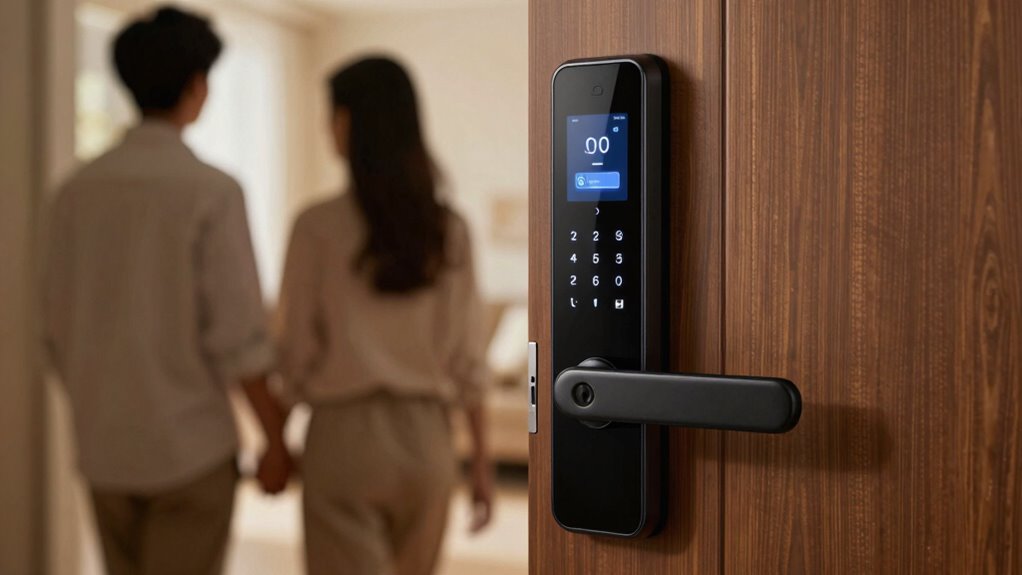
Have you ever wondered if you’re misusing the auto-lock setting on your smart lock? Many people assume it’s a simple feature designed solely for convenience, but improper use can open up serious issues related to security vulnerabilities and user privacy. When you set your smart lock to auto-lock immediately after a certain period, you might think you’re safeguarding your home. However, if you don’t configure it carefully, you could accidentally make your property more vulnerable. For example, setting it to lock too quickly might prevent you from unlocking the door if you forget your code or key fob, leading to frustration and potential security gaps. Conversely, setting it to lock too slowly can give intruders a window of opportunity, especially if your lock is connected to a network that could be hacked.
Misuse of the auto-lock feature can also impact your user privacy. Many smart locks are connected devices that communicate with mobile apps or home automation systems. If you don’t understand how the auto-lock interacts with these apps, you could unintentionally expose sensitive information. For instance, if your lock logs access details or shares data with third-party servers, improper configuration might reveal when you’re away or at home. This security concern could be exploited by malicious actors seeking to target your residence or gather details about your routines. Additionally, it’s important to recognize that smart home security involves multiple layers, and auto-lock is just one aspect of a comprehensive security setup. Understanding the interplay between auto-lock and privacy can help you better protect your personal data and prevent unintended disclosures. Being aware of security vulnerabilities associated with connected devices is crucial in maintaining a safe environment. Moreover, regularly reviewing your device’s security settings can help identify potential risks before they are exploited.
Additionally, relying solely on auto-lock without considering other security measures can be risky. While the feature aims to prevent accidental lockouts, it’s no substitute for strong authentication methods like complex PINs or biometric access. If you misuse or disable certain auto-lock features, you could inadvertently weaken your overall security posture. Always review the device’s security vulnerabilities, especially if software updates are available that patch known issues. Keeping your smart lock’s firmware current helps prevent exploitation of known flaws that could compromise your user privacy or open up vulnerabilities.
In the end, the key is to understand that auto-lock isn’t a one-size-fits-all solution. You need to customize it based on your lifestyle, security needs, and privacy concerns. Regularly checking the settings, reading the manufacturer’s guidelines, and staying informed about potential risks will help you use the feature effectively. Misusing the auto-lock can seem harmless at first, but it can undermine your home’s security and your personal privacy if left unchecked. By paying close attention and making informed adjustments, you can enjoy the convenience of your smart lock without sacrificing safety or privacy.
smart lock auto-lock settings
As an affiliate, we earn on qualifying purchases.
As an affiliate, we earn on qualifying purchases.
Frequently Asked Questions
Can I Customize Auto-Lock Timing for Different Apps?
You can’t customize auto-lock timing for individual apps directly. However, you can adjust the overall auto-lock timing in your device settings, which affects all apps. For app-specific customization, consider using third-party apps or features like Smart Lock that might offer more tailored auto-lock options. Keep in mind, most built-in settings apply globally, so you may need to manually lock or release your device for specific app use.
Does Auto-Lock Affect Phone Battery Life Significantly?
Auto-lock typically doesn’t affect your phone’s battery life considerably. It helps reduce battery drain by turning off the screen when not in use, which lowers power consumption. When auto-lock is set to a shorter duration, your device conserves energy better, but setting it too short might cause frequent locking. Overall, auto-lock is a useful feature for saving battery, so don’t worry too much about it impacting your power consumption.
How Secure Is Auto-Lock Compared to Manual Lock?
Auto-lock is generally more secure than manual locking because it activates quickly, reducing the window for unauthorized access. It uses encryption protocols to safeguard your data and often integrates biometric authentication, like fingerprint or facial recognition, for added security. When auto-lock is enabled, your device automatically locks after a set time, minimizing human error or forgetfulness, consequently providing a reliable layer of protection against unauthorized access.
Can Auto-Lock Be Disabled Temporarily During Certain Activities?
Yes, you can temporarily disable auto-lock during specific activities. Use voice commands for quick access or emergency release if needed. Many smart locks allow you to turn off auto-lock manually through the app or settings, ensuring you don’t get locked out during sensitive tasks. Just remember to re-enable auto-lock afterward for security. Voice commands make this process easy, giving you flexibility while maintaining control over your lock.
Is Auto-Lock Available on All Smartphone Models?
Auto-lock isn’t available on all smartphone models; it depends on your device and operating system. Some phones offer auto-lock settings to enhance security and protect user privacy, but others may lack this feature. If your device supports auto-lock, it helps prevent security vulnerabilities by automatically locking your phone when not in use. Always check your phone’s settings to guarantee you’re maximizing privacy and security features.
best smart locks with auto-lock feature
As an affiliate, we earn on qualifying purchases.
As an affiliate, we earn on qualifying purchases.
Conclusion
So, next time you rely on the auto-lock feature, think twice. Could one simple oversight leave your home vulnerable? The truth is, many overlook this tiny setting, risking more than they realize. Are you truly safe, or just trusting technology blindly? The next click might be the moment everything changes. Stay aware, stay cautious—your security depends on it. But what if the real danger isn’t what you see?
smart lock firmware update kits
As an affiliate, we earn on qualifying purchases.
As an affiliate, we earn on qualifying purchases.
smart lock privacy protection accessories
As an affiliate, we earn on qualifying purchases.
As an affiliate, we earn on qualifying purchases.