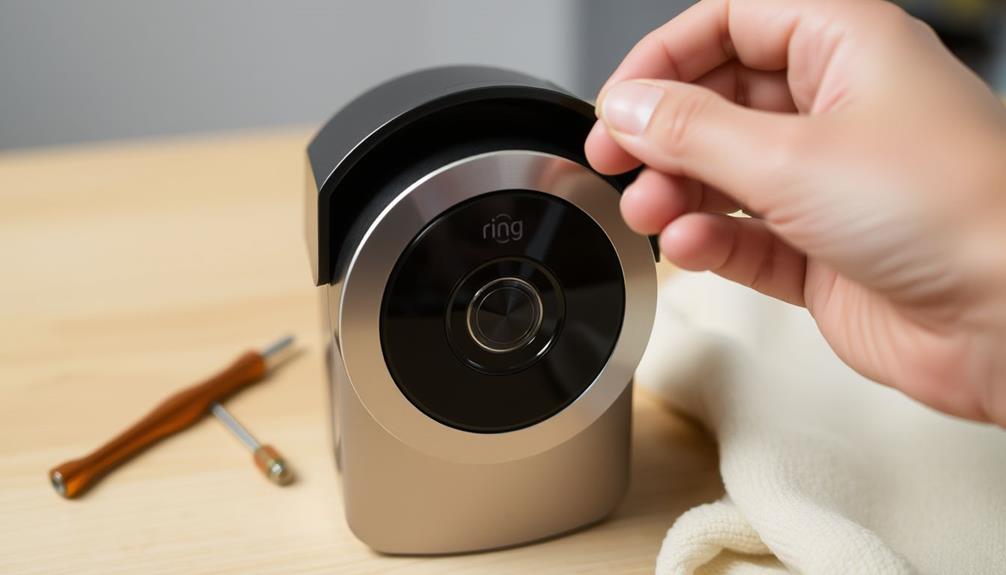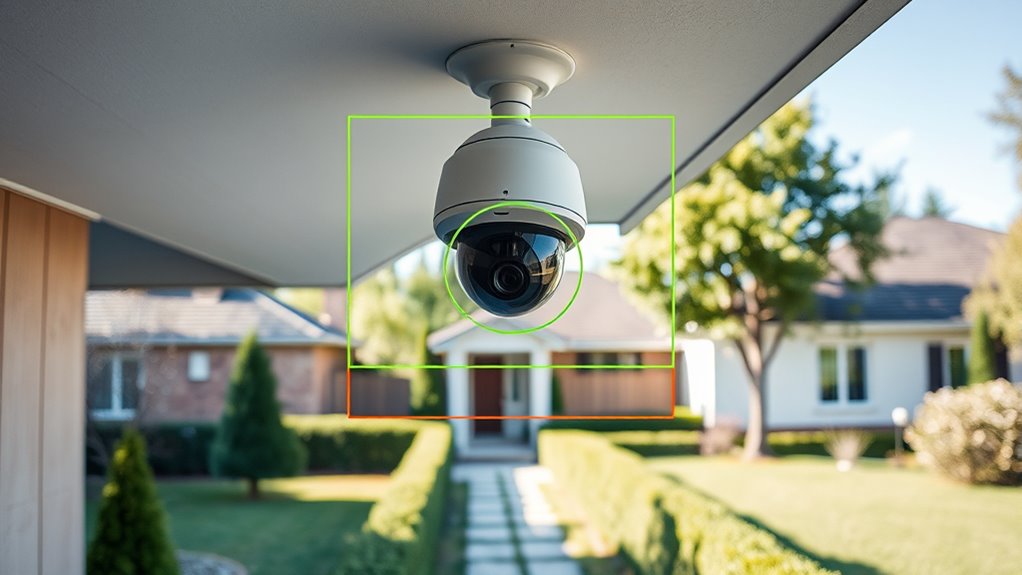
To reduce unwanted alerts, start by customizing your motion zones to focus only on high-priority areas like entry points, avoiding regions prone to false alarms, such as trees or busy roads. Adjust detection sensitivity levels to match each zone, lowering sensitivity in areas with frequent minor movements and increasing it where you need more response. Scheduling zones for specific times can help too. Continuously review and fine-tune these settings to improve accuracy—if you keep optimizing, you’ll find the right balance.
Key Takeaways
- Define precise motion zones to focus on high-priority areas and exclude regions prone to false alarms.
- Adjust motion detection sensitivity based on specific zone needs to balance detection and false alarm reduction.
- Schedule motion detection for critical times, such as nighttime, to prevent unnecessary alerts during low-risk periods.
- Regularly review alert history and footage to refine zone boundaries and improve detection accuracy.
- Use detection filters and shape-based zones to exclude areas with frequent non-threatening motion, like trees or busy roads.
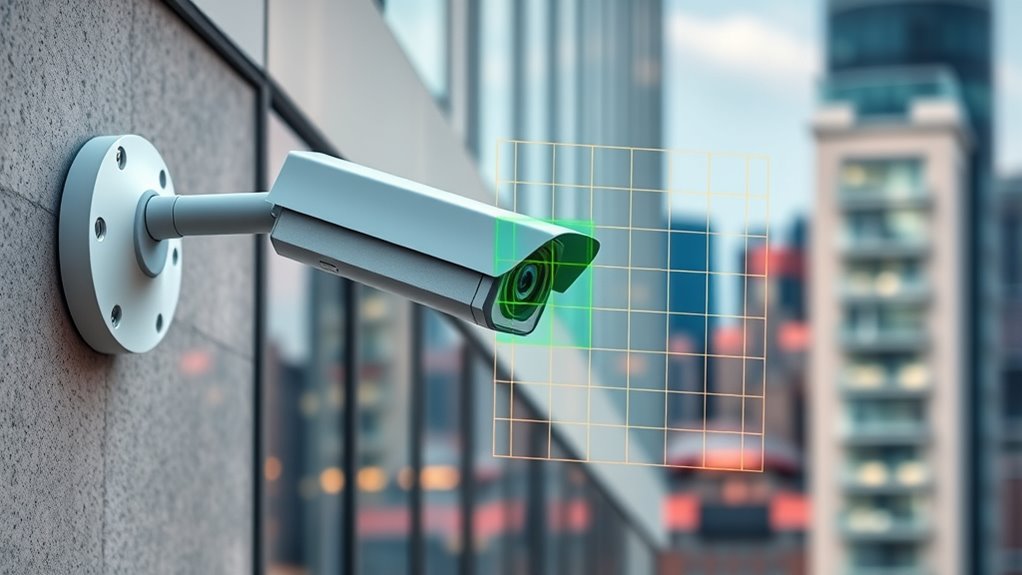
Have you ever wondered how to make your security system more efficient? One effective way is by optimizing your motion zones. When you set up your system, it’s tempting to leave the default settings, but that often leads to unwanted alerts caused by animals, moving branches, or passing cars. To truly enhance your security, you need to focus on improving motion detection accuracy and employing zone customization strategies that minimize false alarms while capturing genuine threats.
Start by analyzing which areas are most important to monitor. Instead of covering your entire yard or driveway haphazardly, define specific zones where activity is most likely to matter. Many modern security systems allow you to customize these zones precisely, so take advantage of this feature. By tailoring your zones, you can exclude regions prone to frequent false alarms—like treetops swaying or busy roads—reducing unnecessary notifications. This targeted approach helps your system focus on genuine intrusions, making your alerts more reliable and timely.
Enhancing motion detection accuracy is vital. Most cameras now have adjustable sensitivity settings. You should experiment with these to find a balance that detects real intrusions without overreacting to minor movements. For example, lowering sensitivity in areas with lots of small movements, like tree branches or pets, can markedly cut down on false alarms. Conversely, increasing sensitivity in critical zones ensures that you don’t miss real threats. Pair sensitivity adjustments with zone customization strategies for superior results.
Another tactic involves setting up motion detection schedules. If certain zones only need monitoring during specific hours—like your front porch at night—you can program your system accordingly. This reduces unnecessary alerts during daytime when activity is expected, allowing your system to stay focused when it matters most. Combining scheduling with zone customization and sensitivity tweaks creates a layered defense that adapts to your lifestyle.
Additionally, incorporating mindfulness techniques, such as regularly reviewing your alert history and remaining aware of changes in your environment, can help you fine-tune your system more effectively. Finally, regularly review your footage and alert history. If you notice frequent false alarms in a particular zone, revisit your settings. Adjust the zone boundaries, tweak the sensitivity, or add filters to exclude specific motion types. Many systems also offer detection zones based on shapes or lines, giving you even more control over what triggers alerts. Continuous fine-tuning guarantees your motion zones remain effective over time.

Ring Floodlight Cam Wired Plus, Outdoor home or business security with motion-activated 1080p HD video and floodlights, White
*Powerful protection for any property* — 1080p HD security camera for your home or business with motion-activated LED…
As an affiliate, we earn on qualifying purchases.
As an affiliate, we earn on qualifying purchases.
Frequently Asked Questions
How Often Should I Review and Adjust Motion Zones?
You should review and adjust your motion zones regularly, ideally once a month or after significant changes to your environment. During this process, focus on zone calibration to guarantee accurate detection and reduce false alerts. Keep an eye on alert frequency, and if you notice too many unnecessary notifications, fine-tune the zones. Consistent review helps maintain peak performance and minimizes unwanted alerts, keeping your security system reliable.
Can Optimizing Zones Improve Overall Camera Performance?
Optimizing zones can dramatically boost your camera’s performance, transforming it into a vigilant guardian. By fine-tuning zone calibration, you guarantee motion detection focuses only on relevant areas, reducing false alerts. This targeted approach minimizes distractions and enhances accuracy, making your camera smarter and more reliable. When you optimize zones regularly, you’re fundamentally sharpening your security system’s senses, ensuring it responds precisely when it matters most.
Are There Best Practices for Setting Motion Zones in Different Environments?
Yes, you should calibrate motion zones based on environmental factors like lighting, movement patterns, and background. Start by adjusting zones to focus on areas of interest and exclude irrelevant regions. Regularly review and update your zone calibration as environmental factors change, such as weather or lighting conditions. This guarantees your camera detects genuine motion without triggering unnecessary alerts, improving overall performance and reducing false positives.
How Do I Troubleshoot False Alerts Despite Optimized Zones?
False alerts can be tricky, even after optimizing motion zones. You should check if your sensor calibration is precise, as miscalibration causes unnecessary triggers. Lighting conditions also play a role—changing shadows or bright spots might set off alerts. To troubleshoot, adjust your sensor’s sensitivity, re-calibrate it, and monitor how lighting varies throughout the day. These steps help make certain your system accurately detects genuine motion, reducing false alarms.
Does Zone Optimization Affect Video Storage and Retrieval?
Zone optimization mainly improves alert accuracy, but it can also influence your video storage and retrieval speed. When you fine-tune zones, you reduce unnecessary recordings, freeing up space and making it easier to find relevant footage quickly. This means your system stores less data overall, which speeds up retrieval. So, by optimizing zones, you’re not only reducing false alerts but also enhancing your video storage efficiency and retrieval performance.

AI Hidden Camera Detectors for Travel 2026 Upgraded Spy Camera Finder, Wireless Signal Scanner for Car/ Bathroom/ Hotel. Features 4 Detection Modes, 5 Sensitivity Levels and 25 Hour Battery Life
【AI 5 Levels Adjustable Sensitivity】:With 2026 Upgraded Ai Ultra-Sensitive Chips,This Hidden Camera Detector Has 5 Levels Of Adjustable…
As an affiliate, we earn on qualifying purchases.
As an affiliate, we earn on qualifying purchases.
Conclusion
By optimizing your motion zones, you can cut down on false alerts and focus on what’s truly important. Did you know that users who fine-tune their zones report up to a 30% reduction in unnecessary notifications? This means you spend less time checking false alarms and more time enjoying peace of mind. So, take a few minutes to customize your zones—you’ll be surprised how much easier your security experience becomes.

Hiseeu 4K Security Cameras Wireless Outdoor, 8MP 4-Cam Kit, 5G & 2.4G WiFi Cameras System for Home Security, Auto Tracking, Pan Tilt, Color Night Vision, Two-Way Audio, 16CH NVR, 1TB, No Subscription
4K Ultra HD & IR Night Vision: Featuring an advanced image sensor with true 3840 × 2160 resolution,…
As an affiliate, we earn on qualifying purchases.
As an affiliate, we earn on qualifying purchases.

Hidden Camera Detector 2026 Upgraded, Anti Spy Camera Finder Hidden Devices Detector Privacy Pen Camera Scanner with 720H Battery Life & 3 Working Modes for Travel Hotel Home Bathroom Office (Black)
🔥【Camera Finder with Innovation】This hidden camera detector uses the advanced RF signal detection technology identifies hidden cameras, spy…
As an affiliate, we earn on qualifying purchases.
As an affiliate, we earn on qualifying purchases.